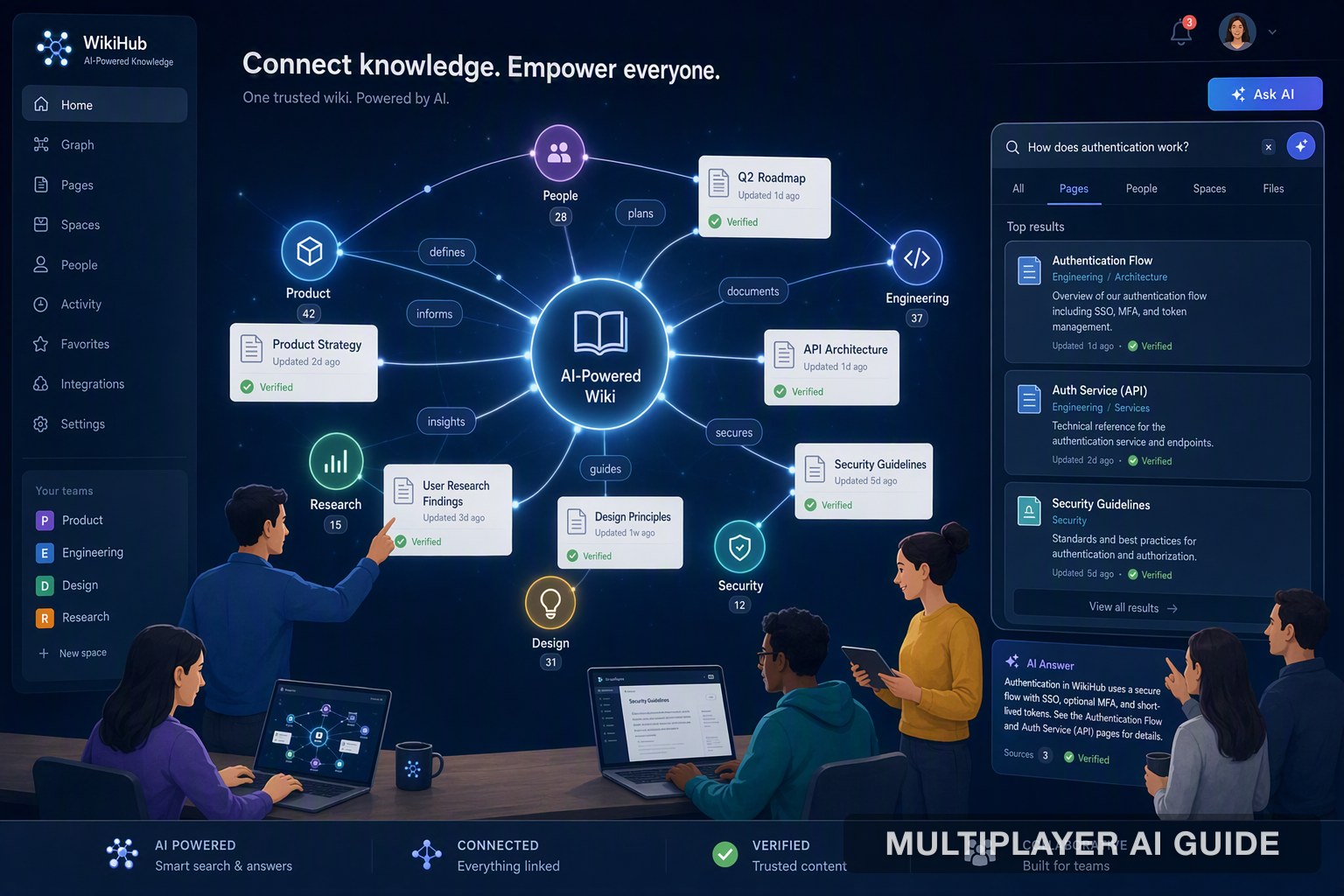
7 Best AI Powered Wiki Tools for Teams in 2026
Comparing 7 AI-powered wiki tools for teams in 2026, from PromptQL's deterministic query engine to Confluence, Notion, GitBook, Slite, Nuclino, and Tettra.
You ask for a document, and three people drop three different links, each one contradicting the last. Twenty minutes later, you still don't know which version is "final." That's the wiki problem: everyone has access, but nobody trusts it.
The issue was never a shortage of documents. It's the gap between people contributing freely and the system enforcing what's actually true. AI is closing that gap, shifting search from keyword matching to understanding what you're actually asking.
Key takeaways
- Governance is now table stakes. A modern platform needs to separate loose, unverified contribution from a structured, trustworthy knowledge base.
- AI is changing how you interact with your wiki. Instead of digging through nested pages, you can ask a plain English question and get a synthesized answer.
- Flexibility comes with a cost. All-in-one tools reduce tool sprawl, but without active curation, they turn into a pile of documents nobody can trust.
- Technical teams increasingly need execution, not just documentation. Developer-first tools treat your knowledge base like code, not static text.
- The right choice depends on context. A startup optimizing for speed needs something different than an enterprise optimizing for audit trails.
The 7 best AI-powered wiki tools
| Tool | Core philosophy | Best for | AI implementation | Biggest tradeoff |
|---|---|---|---|---|
| PromptQL | Wiki-style OS that executes live domain logic | Domain teams (retail, supply chain, finance) needing live answers | Turns natural language into deterministic queries, with a reliability score on every answer | Needs solid initial context to ground the AI well |
| Confluence | Structured page hierarchy with strict permissions | Enterprise teams needing regulated audit trails | Smart search for locating verified information | Legacy interface, slower to navigate |
| Notion | Flexible, block-based canvas for docs and databases | Startups and small teams consolidating tools | Summarizes and generates content within pages | Turns into a "sea of documents" without active curation |
| GitBook | Docs as code, built on Git workflows | Engineering teams documenting APIs and technical specs | CI/CD-style checks that catch broken links and stale content | Not built for non-technical, freeform contribution |
| Slite | Verification-first, distraction-free writing | HR, legal, and ops teams handling compliance material | Prompts the right people to review and re-verify content | Less flexible than an all-in-one workspace |
| Nuclino | Lightweight, real-time, graph-based | Fast-moving teams that prioritize speed over structure | Instant search, organic graph linking | Little enforced structure, easy to lose organization at scale |
| Tettra | AI-curated, built for onboarding | Growing teams onboarding new hires quickly | Flags documentation gaps based on real usage and recurring questions | Less suited to live, operational data |
1. PromptQL
PromptQL takes a different approach than most tools on this list. Instead of storing static pages that go stale the moment something changes, it treats your wiki as something that can be queried and executed. It connects natural language questions directly to your live data and business logic, rather than pointing you to a document written about that data three weeks ago.
Best for: Domain-specific teams in retail, supply chain, and financial services who need a direct answer, not a summary of a summary.
Features:
- Turns natural language questions into deterministic, executable queries
- Grounds answers in your actual schema and business logic, not a plausible-sounding guess
- Attaches a reliability score to every answer, based on query complexity, data accuracy, and model confidence
- Absorbs corrections so future answers on similar questions improve automatically
Tradeoff: This only works well if the underlying context is solid. Executable answers are only as good as the domain logic and data grounding you give the system to work from.
2. Confluence
If your company has more than a few hundred people, there's a decent chance you already live inside Confluence. Atlassian built structure into the product from the ground up: space hierarchies, page trees, and role-based permissions that decide who can edit an HR policy versus who can just leave a comment.
Best for: Large, regulated organizations that need real control over who can edit what.
Features:
- Space hierarchies and page trees for structured organization
- Role-based permissions down to the page level
- Smart search for locating verified information
- ISO 27001 certification, relevant for teams handling regulatory audits
Tradeoff: That structure comes at the cost of speed. Deeply nested page trees are a common source of friction, and the interface still carries the weight of a product that predates most current AI tooling.
3. Notion
Notion blurs the line between a wiki, a project tracker, and a database on purpose. Everything lives inside one block-based editor, and the pitch is consolidation: instead of five tools, you get one flexible workspace your team can shape however it wants.
Best for: Startups and smaller teams that want to consolidate tools and self-organize naturally.
Features:
- Block-based editor that combines docs, databases, and project tracking
- AI summarization that can condense a 50-page spec in seconds
- Flexible structure that adapts to how a team already works
- Low setup friction for getting started
Tradeoff: A wiki is never really "done," and if nobody actively prunes it, search starts surfacing outdated proposals before the one document that's actually current. Notion puts more of the burden on individuals to verify what's true.
4. GitBook
GitBook treats documentation like code, because that's how the teams using it already treat everything else. It's a docs-as-code tool built on Git workflows, which fits naturally if your users already expect a CLI and a pull request before anything ships.
Best for: Engineering teams documenting APIs, SDKs, or internal technical specs.
Features:
- Feature branch workflow for drafting new documentation
- Markdown-based writing, no separate tool required
- Pull request review before changes merge
- Automated checks that catch broken links and missing images
- Versioned, immutable snapshots tied to specific releases
Tradeoff: This isn't built for freeform, anyone-can-edit collaboration, and it isn't trying to be. Non-technical contributors will find the workflow more restrictive than a typical wiki.
5. Slite
The biggest failure in most internal wikis isn't a missing feature; it's missing trust. Slite is built around the idea that encouraging people to contribute was never the hard part. Keeping that content reliable was.
Best for: HR, legal, and ops teams handling compliance-heavy material where an outdated answer is a real risk.
Features:
- Distraction-free, minimal writing interface
- Scheduled review and re-verification workflow
- Clear visual distinction between draft and verified content
- Built to keep documentation from silently going stale
Tradeoff: The simplicity that makes Slite trustworthy also makes it less flexible than an all-in-one workspace. It isn't trying to be a project tracker or database on top of a wiki.
6. Nuclino
Nuclino is built for speed over structure. Search is instant, linking is graph-based rather than folder-based, and the interface stays out of your way. That makes it a good fit for fast, real-time brainstorming.
Best for: Fast-moving teams that prioritize momentum over process.
Features:
- Instant, real-time search
- Graph-based linking instead of rigid folders
- No setup friction; teams can start capturing context immediately
- Built for fast, informal brainstorming rather than formal documentation
Tradeoff: Nothing here enforces structure, so without some discipline, the same flexibility that makes Nuclino fast can make it hard to keep organized as the team and wiki both grow.
7. Tettra
Onboarding a new hire takes months, and most of that time isn't spent learning the culture. It's spent figuring out what a specific internal term or process actually means. Tettra is built specifically around fixing that gap.
Best for: Growing teams onboarding new hires quickly, where the ratio of new to experienced staff is shifting fast.
Features:
- Flags documentation gaps based on actual usage patterns and recurring questions
- Suggests what needs to be written next
- Pulls verified answers directly into tools like Slack
- Reduces reliance on senior staff to answer repeat questions
Tradeoff: It's built around curating existing documentation and knowledge, not querying live operational data. It's less suited to questions that need a real-time answer.
How to choose the right tool
Picking a wiki tool is really a bet on how much structure your team can tolerate before it either slows people down or falls apart. A few things to work through:
Where does your source of truth actually live? If critical knowledge needs to be versioned like code, a developer-first tool fits better. If it's more collaborative and narrative, a fast, graph-based tool works well.
How much chaos can you tolerate? Creative teams that treat process as a living document do better with flexible, all-in-one workspaces. Regulated teams where a wrong answer carries real risk need a verification-first platform.
What are people actually asking? If most questions are "how do I," a curated knowledge base is enough. If people are asking "what is the current state of X," you need something that can query live data.
Check your existing tool sprawl. If you're already deep in one ecosystem, the tool that integrates cleanly with what you have is often the path of least resistance.
Run the bus factor test. If one person who holds a lot of context left tomorrow, would that knowledge leave with them? If yes, prioritize a tool with strong curation that keeps absorbing context over time, rather than one that just stores whatever gets typed into it.
Conclusion
Team wikis probably aren't heading toward one single tool. More likely a stack: a base layer of structured, verified content for onboarding and compliance, and a layer on top that turns natural language into a live answer instead of a static page. Pick your base layer based on how much governance you actually need, then bridge the gap with something that can query across both without making anyone read a stale document to find the truth.
FAQ
What's the difference between a team wiki and a knowledge base? A wiki is built to encourage broad, easy contribution. A knowledge base is built to enforce reliability, usually through stricter roles and a review process, so what's published is more likely to actually be true.
How does AI improve a team wiki? It shifts search from matching keywords to understanding intent, so it can tell a rough draft apart from a verified process. Some tools go further and can execute a live query against your actual data instead of returning a static page about it.
What should an enterprise wiki have for security and governance? Look for role-based permissions, usage analytics, relevant certifications like ISO 27001, and a review workflow that keeps content verified rather than just published once and forgotten.
How is PromptQL different from a typical wiki tool? Instead of storing static pages, it connects your questions directly to live data and business logic, and attaches a reliability score to each answer so you know how much to trust it and can correct it when it's wrong.
What's the first step to setting up an AI-powered wiki? Start by deciding your governance rules and who can edit what. Then set up analytics to catch pages that are going stale. From there, add an AI layer that can pull context from conversations and usage, not just what people remember to write down.
Last verified: 2026-08-11