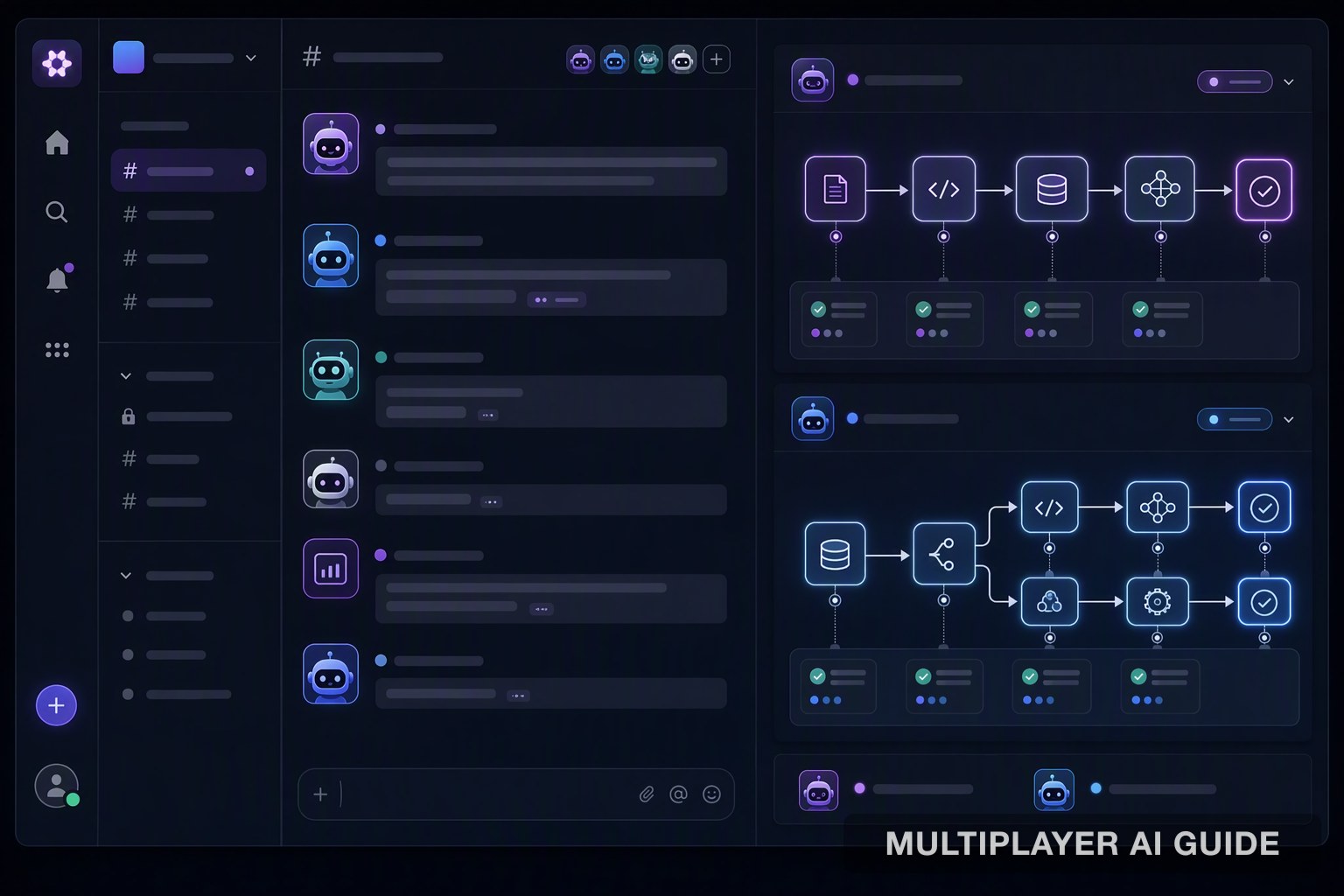
7 Best AI Agents for Slack (2026)
Comparing 7 AI agents for Slack in 2026: PromptQL's compiled deterministic engine, Custom GPTs, AutoGen, LangChain, Claude for Slack, Moveworks, and PagerDuty Advance.
Not every "AI agent for Slack" is doing the same job. Some are chatbots that answer a question and forget it the next second. Others run as static, repeatable workflows that never change their answer twice. Picking the wrong one for your use case is the most common mistake teams make here.
This guide compares 7 of the AI agents worth knowing for Slack in 2026, what each is actually built for, and how to pick the right one for your team.
What kind of AI do you actually need in Slack?
Before comparing specific tools, it helps to know the different kinds of AI you'll run into inside Slack. They are not interchangeable, and most "best AI agent" lists blur the lines between them.
- Runtime LLM bots like Custom GPTs or Claude for Slack call the model fresh on every single message. Flexible and easy to set up, but the same question can return a different answer twice, and cost scales with every message sent.
- Multi-agent frameworks like AutoGen simulate a small team of AI agents debating and cross-checking each other in a thread. Powerful for exploring hard, ambiguous problems, but expensive at volume since every exchange between agents burns tokens.
- Custom-built orchestration frameworks like LangChain give your engineering team full control to wire an LLM into Slack alongside your other systems. Highly flexible, but the maintenance burden sits entirely with your team.
- Pre-trained, domain-specific agents like Moveworks are trained on a narrow domain, such as IT service tickets, so they work well fast but don't generalize much beyond that domain.
- Compiled, deterministic systems like PromptQL call the model once to generate a plan, then execute that plan as static code with no further model calls. The same input produces the same output every time, and cost does not climb with volume.
Knowing which category you're actually looking at matters more than which brand name is attached to it.
What to look for in an AI agent for Slack
A few practical questions to ask before picking any tool on this list:
- Repeatability: does it give the same answer every time you ask the same thing, or can it drift between runs?
- Cost at scale: does cost stay flat as usage grows, or does it climb with every message and every agent exchange?
- Auditability: can you show exactly what the AI did and why, after the fact, without reconstructing it from memory?
- Real action, not just answers: can it actually complete a task, or only describe what someone else should do?
- Learning from corrections: does a correction stick permanently, or does the same mistake resurface with the next person who asks?
7 best AI agents for Slack
Here's a quick-glance summary, followed by a closer look at each one.
Tool Category Execution model Best for
PromptQL Compiled, deterministic system Model runs once, then executes as static code High-volume operational workflows Custom GPTs for Slack Runtime LLM bot Calls the model fresh on every message Quick, exploratory Q&A AutoGen Multi-agent framework Multiple agents converse each transaction Complex, exploratory reasoning LangChain Slackbot Custom-built orchestration framework Custom chain, built and run by your engineering team Bespoke integrations with no off-the-shelf connector Claude for Slack Runtime LLM bot Calls the model directly, no chain architecture Long-context reasoning and summarization Moveworks Pre-trained, domain-specific agent Pre-trained model detects intent and resolves or routes Standard IT service management tickets PagerDuty Advance Gated, schema-constrained workflow Executes a fixed workflow, gated by human approval Incident response with human approval
1. PromptQL
PromptQL is a compiled AI agent that gives your Slack workspace a deterministic execution engine. The model runs once at generation time, and every deployed workflow after that runs as static code, with zero further model calls and zero stochasticity. This is the opposite of a chatbot guessing in real time.
How it works: Every generated workflow passes through a four-stage validation pipeline before it touches a live channel:
- A security check that screens for prompt injection and unsafe code
- A syntax check that confirms the generated logic is well-formed
- An execution check that verifies the workflow actually runs end to end
- An accuracy check that measures the output against expected business logic and produces a Reliability Score, so whoever is approving an action knows how trustworthy it is before they act
Strengths:
- Token cost drops sharply at scale, since workflows run as static code instead of calling the model on every transaction
- Performs strongly on structured, document-heavy tasks like extracting line items and key fields from invoices
- Permission-aware context means the agent respects whatever access controls already exist in your workspace
- Thread sharing lets a team collaborate on a single AI interaction without copy-pasting results around
- Continuously absorbs context from conversations, docs, and usage, so accuracy compounds the more the team uses it, and everyone gets the same reliable answer to the same question
Limitations:
- Requires upfront workflow authoring before it starts paying off
- Better suited to well-defined, repeatable workflows than to open-ended, ad hoc conversation
2. Custom GPTs for Slack
Connecting a Custom GPT to Slack takes about fifteen minutes. Once it's in the channel, it works as a natural language interface that parses ambiguous queries, rephrases badly typed requests, and handles edge cases without anyone writing a single conditional rule. That ease of setup is why runtime bots like this spread across Slack workspaces so quickly.
How it works:
- Understands natural language questions and pulls out the relevant details, like dates, names, or intent, without needing a rigid format
- Calls an API or searches a knowledge base directly based on what it understood
- Calls the model fresh on every single interaction, with no static workflow running in between
Strengths:
- Genuinely useful for exploratory, low-volume, or purely conversational tasks
- No DSL or template required, and nothing to wait on for setup
- Handles badly typed or ambiguous requests gracefully
Limitations:
- Every interaction calls the model again, so cost scales linearly with volume
- The same query phrased two different ways can return a materially different answer
- No audit trail proves what the bot said or why
- What feels liberating at low volume becomes a liability at high volume, since errors compound with every non-deterministic response nobody catches
3. AutoGen
AutoGen treats a Slack thread like a meeting room where multiple AI agents, each with a different role and a different tool, talk to each other until they converge on an answer. It simulates the cognitive cross-checking of a small team, and for genuinely hard, ambiguous problems, that back-and-forth can surface insights a single model pass would miss.
How it works:
- One agent proposes a plan
- A second agent critiques it
- A third fetches data from an external system
- A fourth synthesizes the results and writes the final response
Strengths:
- Well suited to genuinely hard problems that benefit from cross-checking, like reasoning through a disruption with incomplete data
- Can surface insights a single-pass model would miss
- Excellent for exploration and open-ended reasoning
Limitations:
- Every exchange between agents burns tokens, and a single complex thread can use up a large number of them
- Running several such threads concurrently can make the inference bill outweigh the value of the automation
- Burns roughly 84 times more tokens than a compiled approach across the same volume of transactions
- Not built for predictable, repeatable, high-volume operational work
4. LangChain Slackbot
LangChain isn't a bot, it's a toolkit your engineering team uses to build one. A developer can chain an LLM call together with a Slack command, a database query, and a CRM update, giving them enormous control over how data flows between each step.
How it works:
- Chains an LLM call together with other steps, like a database query or a CRM update, into a single workflow
- Lets developers add custom retry logic, specialized parsing, and logging at every step
- Runs entirely as custom code your engineering team builds and maintains
Strengths:
- Enormous control over data flow, with the ability to instrument every step
- Often the only way to automate a workflow when you have a bespoke system with no off-the-shelf connector
- Suited to businesses with unique, messy integration requirements
Limitations:
- Runtime chains degrade as APIs change and models drift
- Prompts that worked previously can start producing malformed output that breaks a downstream step
- State management across multi-turn conversations is a persistent source of bugs, since the framework doesn't automatically track which step a user is on
- Requires an ongoing engineering commitment that most operations teams don't have the bandwidth to sustain
5. Claude for Slack
Claude brings strong accuracy on long, dense material, which matters when a direct integration is used in Slack for summarization, document analysis, or complex troubleshooting threads. A support engineer can paste a long error log into a channel, and Claude reads it, checks it against a connected knowledge base, and returns a diagnosis with a remediation step in one response.
How it works:
- Reads and reasons over whatever is pasted into the conversation, like a stack trace or a dense document
- Cross-references connected knowledge bases or runbooks where available
- Answers directly, with no chain architecture or multi-step validation pipeline in between
Strengths:
- Strong comprehension on long-context tasks, drawing on its training and whatever context it's given
- Avoids the orchestration overhead of agent frameworks for one-off, high-quality answers
- Well suited to Slack interactions that turn on a single strong response, like summarization or troubleshooting
Limitations:
- Still a runtime bot, so every prompt costs tokens
- The same input won't always produce an identical output
- Doesn't provide the transactional determinism needed for guaranteed, repeatable actions, like generating a purchase order or updating inventory across systems in a strict sequence
6. Moveworks
Moveworks automates IT service management tasks directly from a Slack message, handling high-volume, repetitive tickets like password resets, software provisioning, and access requests. It's built on a domain-specific model trained on enterprise support interactions, rather than starting from a general-purpose model.
How it works:
- Detects the intent behind a Slack message
- Determines whether it can resolve the request directly
- Either takes action itself or routes the ticket, with full context, to the right human team
Strengths:
- Recognizes internal jargon, ticket categories, and common resolution paths without needing to be retrained by each customer
- Comes with pre-built integrations across major IT service management platforms, identity providers, and communication tools
- Fast time to value for standard, high-volume IT ticket categories
Limitations:
- Narrow focus on IT service catalog items and knowledge articles, with limited use outside that domain
- Trades customization for speed of deployment, unlike a general-purpose, configurable execution engine
- Best suited to IT operations and service desk teams with standardized ticket categories, rather than open-ended business workflows
7. PagerDuty Advance
When a production incident fires and a Slack war room spins up, PagerDuty Advance responds by executing a known workflow, not by improvising. It declares the incident, creates a dedicated channel, and pages the on-call engineer, with every action logged for responders to inspect.
How it works:
- Declares the incident and creates a dedicated channel automatically
- Pages the on-call engineer
- Sends a structured incident summary (affected service, blast radius, recent deployments touching the same code paths), drawn from the incident graph and the team's runbook data
- Proposes remediation steps, like rolling back a deploy or scaling a service, but only executes them once an engineer clicks to approve
- Logs every decision, diagnostic, and suggestion as a timestamped message in the thread
Strengths:
- No hidden reasoning step, since every action is logged for every responder to see
- Fixed data sources and a specified output format let a responder skim the summary and know whether to escalate quickly
- Gated execution, requiring explicit human approval before any remediation command runs
- Full auditability built into the channel itself, so a postmortem author doesn't have to reconstruct what happened from memory or separate logs
- Output is a structured payload that must conform to a defined runbook schema, rather than a free-text suggestion, which helps prevent a large class of automation errors
Limitations:
- Built specifically for incident response and constrained by the procedures already defined for that workflow
- Not designed for general-purpose, post-hoc Q&A the way a general assistant is
Conclusion
Runtime LLM bots give you flexibility. Compiled AI gives you a guarantee. If your Slack workflow is conversational, exploratory, or low-volume, a Custom GPT or a direct Claude integration works fine. But running inventory reconciliation, order status lookups, or incident diagnostics at scale requires deterministic outputs and a cost profile that doesn't spiral. PromptQL is built on that premise. Start by identifying your three highest-volume, most repetitive Slack-based workflows. If they need repeatability more than improvisation, a compiled engine is the right call.
Frequently asked questions
::: faq-item
What is an AI-native Slack app and how does it differ from a simple chatbot integration?
An AI-native Slack app embeds its execution logic directly into the workspace using dedicated agent surfaces like split-view containers and threaded interactions, rather than bolting a chatbot onto a slash command. The real difference is architecture: AI-native apps like PromptQL can run deterministic compiled workflows rather than calling an LLM on every message. :::
::: faq-item
How does PromptQL's deterministic execution model work alongside LLMs to improve accuracy?
PromptQL invokes the LLM once at generation time to produce static code that passes through a four-stage validation pipeline: security, syntax, execution, and accuracy checks. Deployed workflows then run with zero model calls and zero stochasticity, so the same input always produces the same output, with a Reliability Score surfacing the system's confidence. :::
::: faq-item
What are the key features of PromptQL's Slack integration, such as thread sharing and permission-aware context?
Thread sharing lets multiple team members collaborate on a single AI interaction without copy-pasting. Permission-aware context means the agent respects your workspace access controls per person. The system continuously absorbs context from conversations, docs, and usage so that accuracy compounds over time for everyone. :::
::: faq-item
Who is PromptQL for, and what specific use cases are shown for retail or supply chain teams?
PromptQL targets operations-heavy teams in retail and supply chain running high-volume, well-specified workflows. Concrete use cases include inventory reconciliation, order status lookup, purchase order generation, and document intelligence tasks like line item extraction from invoices where deterministic accuracy and cost control matter most. :::
::: faq-item
How does PromptQL handle enterprise security, data privacy, and model training claims?
PromptQL processes all context within a private VPC, never trains on customer data, and does not share models across customers. Security evaluation across 135 test cases demonstrated 96.7% accuracy on prompt injection detection and 87.5% on static code safety analysis with zero false positives. :::
::: faq-item
What do PromptQL's Reliability Scores and continuous context absorption mean for a user's daily workflow?
A Reliability Score surfaces the model's confidence level on every generated action, so an ops lead approving a purchase order knows how trustworthy the output is before acting. Continuous context absorption means the system ingests your Slack history, docs, and usage patterns to build a shared knowledge base that gets more accurate the more your team uses it. :::
Sources
- PromptQL Tag vs Claude Tag | Slack + Microsoft Teams - promptql.io
- PromptQL | Multiplayer AI with shared context. - promptql.io
- Evaluating the Accuracy and Reliability of Large Language Models (ChatGPT, Claude, DeepSeek, Gemini, Grok, and Le Chat) in Answering Item-Analyzed Multiple-Choice Questions on Blood Physiology - PMC - pmc.ncbi.nlm.nih.gov
- Compiled AI: Deterministic Code Generation for LLM-Based Workflow Automation - arxiv.org
Last verified: 2026-08-11